Creating this website
// Published on Jan 4, 2026
I am a mediocre programmer at best.
However, I’ve always wanted to create a website I can call my own. Especially now as I have multiple projects I need to store elsewhere besides the photo album on my iPhone and nine google docs.
1. The Search
Ever so often during this winter break I would have a fit of inspiration to begin building a website. 99% of the time I never acted on it because I had more interesting toys to play with (see projects)… However, I learned a little bit about Jekyll along the way. It has an amazing amount of features and it’s more or less the de-facto standard for github pages. To me though, I smelled a steep learning curve — and I was not a rock climber.
1.1 Jekyll?
Jekyll is written in Ruby and distributed as a gem. It uses Ruby for theme managing and parsing. I do not like Jekyll. Jekyll was unkind to me.
disclaimer: this is purely an artifact of my inexperience. I’m sure it’s great, but I don’t want to spend the last week of my break stressing.
1.2 Hello Hugo.
Compared to my first attempt with Jekyll, Hugo turned out to be much smoother to integrate. The installation for Hugo was fast. Documentation looked nice. And there were a lot of tutorials out there too. This site was made with Hugo.
1.3 Why not use a pre-built theme?
I looked. There is a LOT of good stuff out there, but I felt no loyalty to just one theme. Each one had a feature that I really liked, and I felt like building my own from scratch was more efficient than trying to parse, understand, then frankenstein together four codebases at once.
2. Creationismings
I’m not a blog reader or writer, but there was a part of me that desired a place to publish loose thoughts, especially related to projects. The frustrations must be made public.
2.1 Design Considerations
Consolas is a great font, and light green is up there with my favorite colors. I wanted a minimalist* site, with a projects page, a blog-esque feel, and nothing more. My first searches led me to al-folio, klise, and chirpy. Then after the Hugo switch, I found freshpink and digio. They all were great choices, but I had trouble choosing just one.
*I use the term “minimalist” to disguise my unfamiliarity with react or tailwind.
3. Doing Vector Art in KiCad
The homepage background took an embarassingly long time. First I tried to install Inkscape to draw the pcb traces as svgs. I installed, got confused, then uninstalled. Then I tried photopea. I had prior experience with the Adobe toolchain (of which I no longer had access to), so I figured it was the logical next attempt. It was an attempt, but nothing more.
I also considered using SolidWorks to draw .svgs (don’t ask), but eventually I realized how convoluted that process might be. My end goal was to just have some little copper traces with vias as a decorator in the background.
Then I realized I can export .svgs from KiCad. If I want PCB traces and vias as a background, I might as well get it from the source. I already did this once when I built my ceramic filament clocks. So, I drew the traces in KiCad. Hell, I also made the logo (top left) in Kicad. It’s a zone fill on F. Silkscreen. KiCad my beloved. You are photoshop, illustrator, and much, much more.
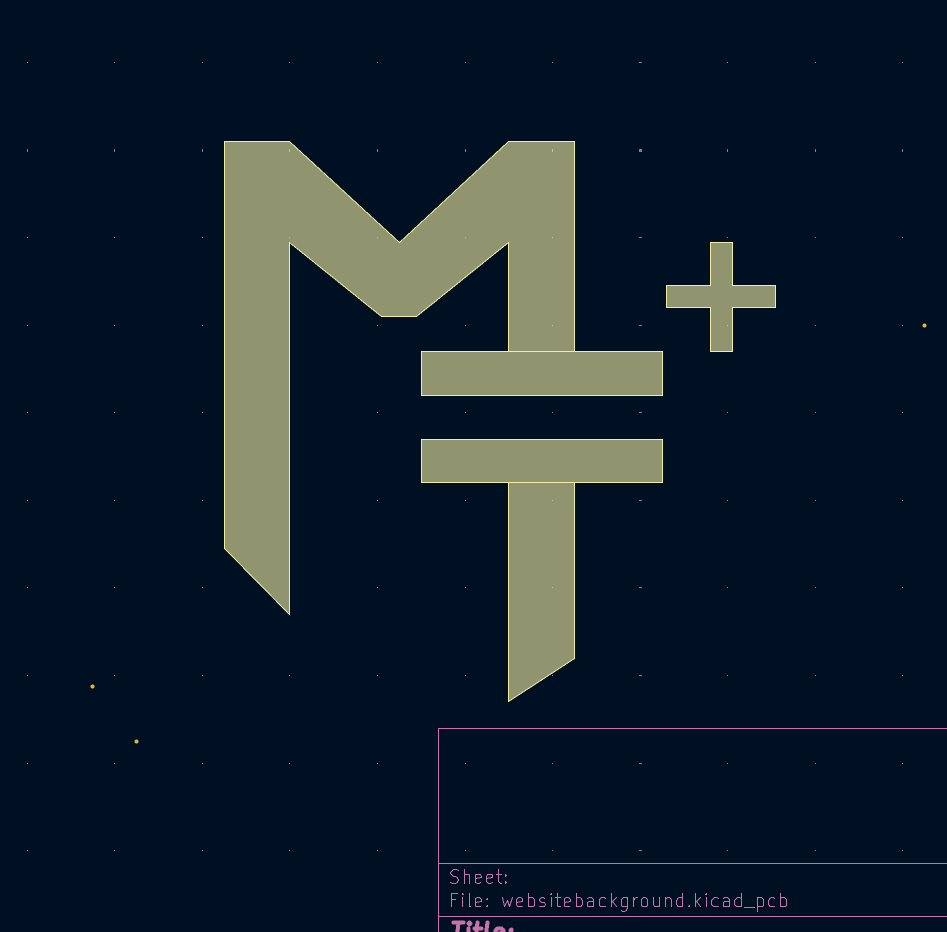 My initials, oriented like a capacitor symbol. rather proud of this one.
4. Potential Breakages
-
I don’t remember if I added a hard limit to how much cards fit on one page. This probably will need fixing later down the road.
-
Project card and writing card fonts are ever so slightly not the same size. It’s barely noticeable, but now that I see it I can’t unsee it.
5. What About the Theme?
I’m rather proud of the color palette/design for this website. I will most likely open-source it in the upcoming few weekends and publish it on my github.